
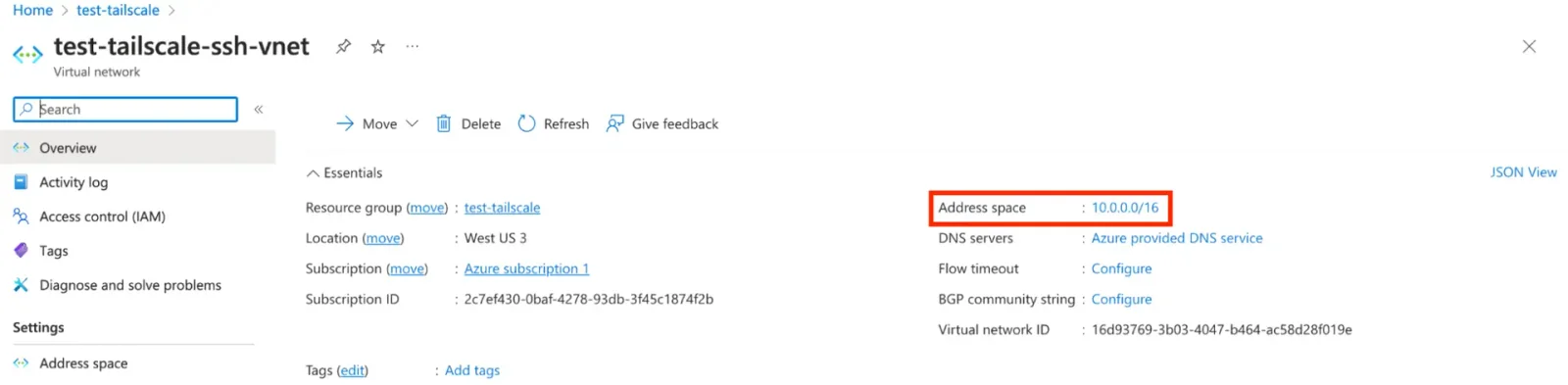
Access your virtual private cloud (VPC) via Tailscale Subnet Router
7 similar posts
- Tailscale
- AWS
- Azure
- GCP
AI Summary
A concise step-by-step guide on how to set up a Linux subnet router using Tailscale to securely access private virtual private cloud (VPC) resources across cloud providers like AWS, Azure, and GCP. The article covers determining CIDR blocks, configuring IP forwarding, enabling masquerading via firewalld, advertising routes using Tailscale commands, and adjusting access controls.
Key Takeaways
- Requires a configured Linux VM within the target VPC and a Tailscale account.
- Involves enabling IP forwarding and setting up firewall masquerading on the router VM.
- Requires updating the tailnet access control policy file to allow traffic to the advertised subnet routes.
Why it matters
Setting up secure, direct access to private cloud resources without complex traditional VPN gateways is a common operational hurdle. This guide provides clear instructions for engineers to leverage existing Tailscale infrastructure for secure cloud connectivity.

Conversation0
What would you add from your experience?
Checking your session…
Every good conversation starts with one perspective.