

Enterprise-managed settings now support bypass permission controls in GitHub Copilot
25 similar posts
- GitHub Copilot
- VS Code
- GitHub Copilot CLI
- Copilot Business
- Copilot Enterprise
AI Summary
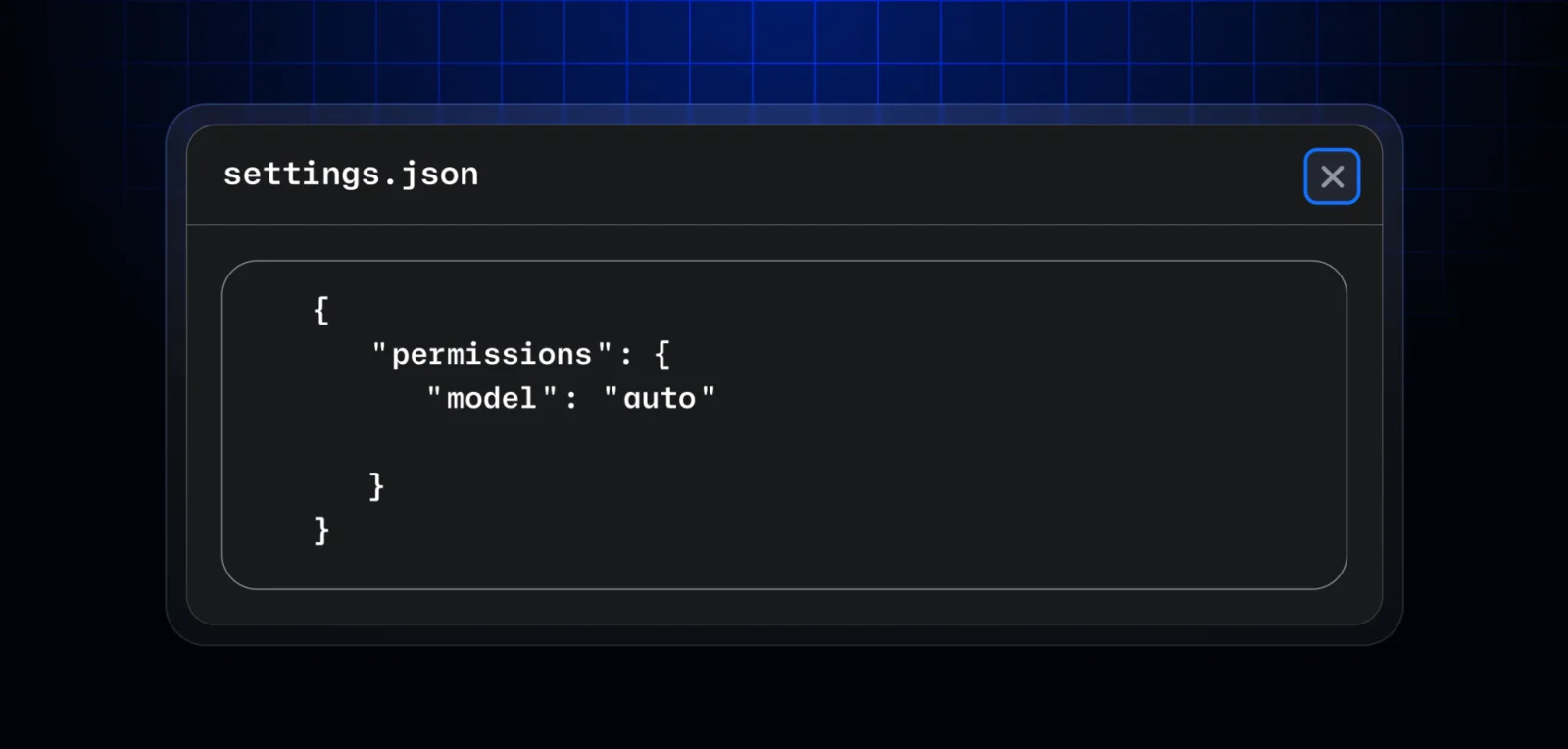
GitHub has introduced a new governance capability for enterprise-managed settings, allowing administrators to configure disableBypassPermissionsMode. By setting this to "disable" within the enterprise configuration files, organizations can prevent GitHub Copilot CLI and VS Code from automatically skipping permission prompts, often referred to as auto-approve or yolo mode. This feature enforces stricter AI safety and security standards across enterprise accounts utilizing Copilot Business or Copilot Enterprise.
Key Takeaways
- Introduces governance capability for enterprise-managed settings.
- Prevents automatic permission skipping in Copilot CLI and VS Code.
- Requires VS Code v1.122+ or compatible clients.
Why it matters
Enables enterprise administrators to enforce security compliance and prevent automatic permission bypasses in AI development tools like GitHub Copilot.

Conversation0
What would you add from your experience?
Checking your session…
Every good conversation starts with one perspective.