
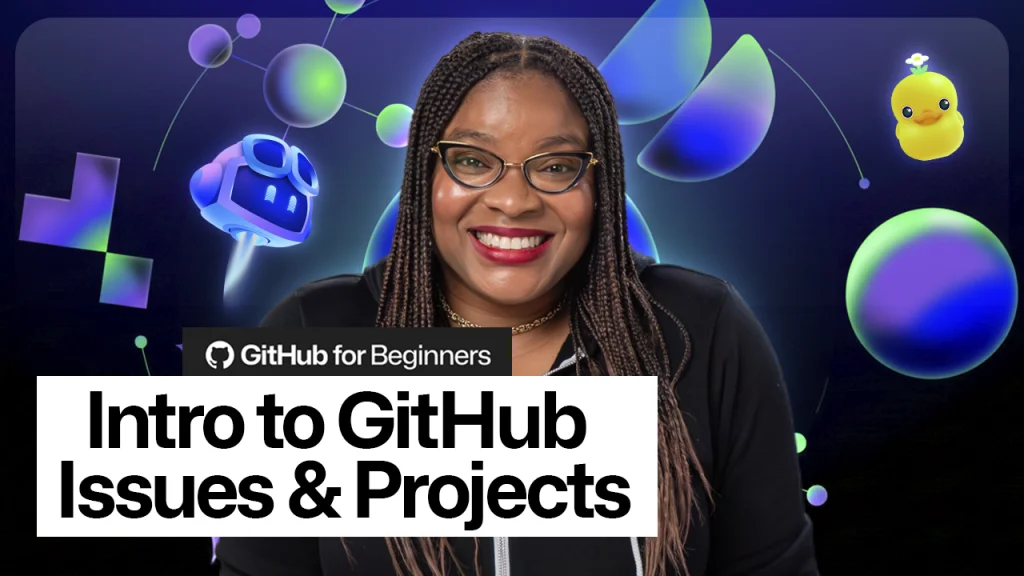
GitHub for Beginners: Getting Started with Issues and Projects
11 similar posts
- GitHub Issues
- GitHub Projects
- GitHub Copilot
- GitHub
AI Summary
This tutorial introduces beginners to core GitHub collaboration features, specifically focusing on creating issues and organizing them into Kanban project boards. It walks through step-by-step instructions for tracking tasks, syncing issues with project views, configuring workflows, and managing team deliverables efficiently.
Key Takeaways
- Covers basic issue creation, assignment, labeling, and milestones.
- Explains Kanban project setup, custom fields, insights, and automation workflows.
- Demonstrates end-to-end synchronization between issues and project boards.
Why it matters
Understanding how to effectively use GitHub Issues and Projects is foundational for developer collaboration, task tracking, and maintaining clean workflows without unnecessary status meetings.



Conversation0
What would you add from your experience?
Checking your session…
Every good conversation starts with one perspective.