
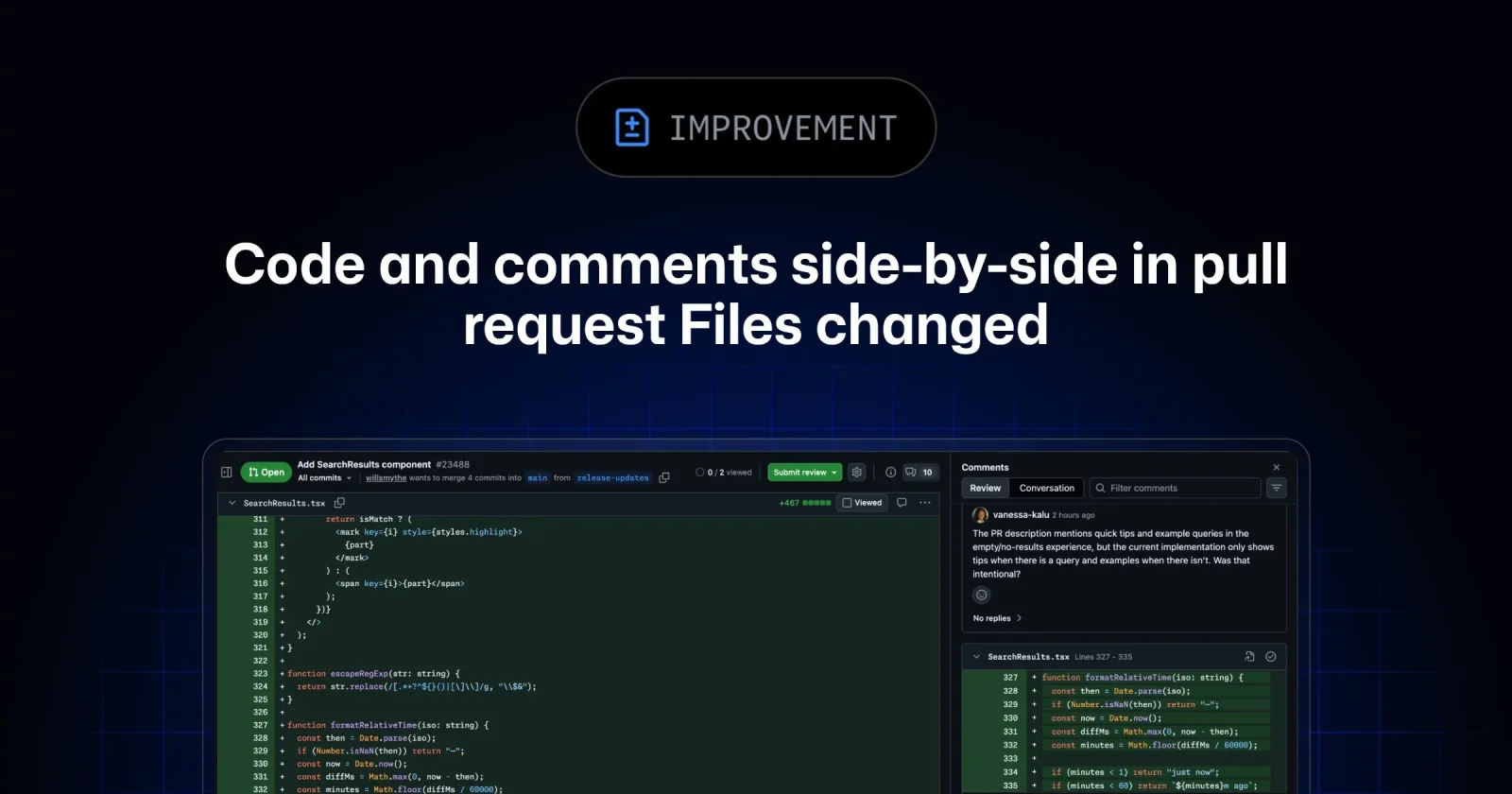
GitHub Pull Request Files Changed Page Adds Side-by-Side Docked Panels
5 similar posts
- GitHub
AI Summary
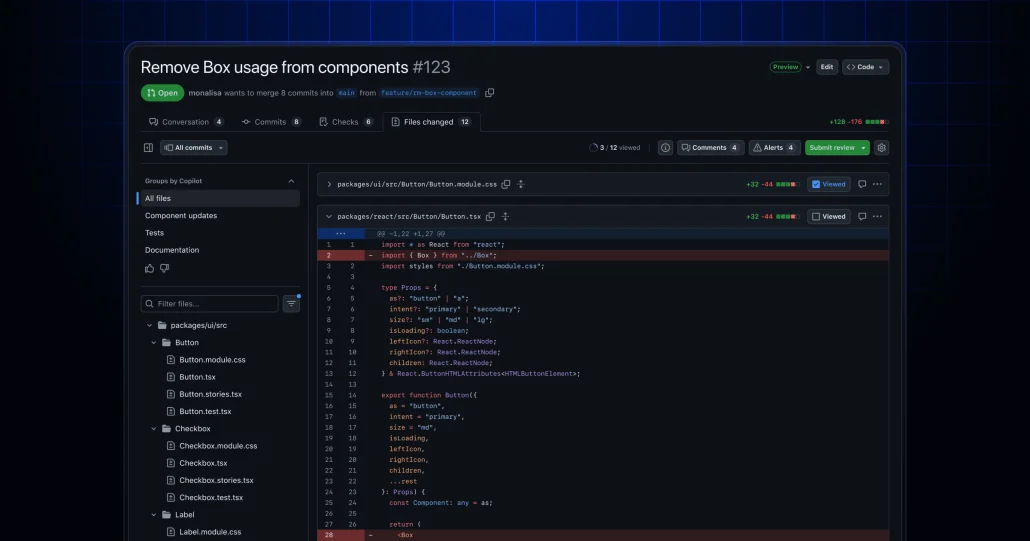
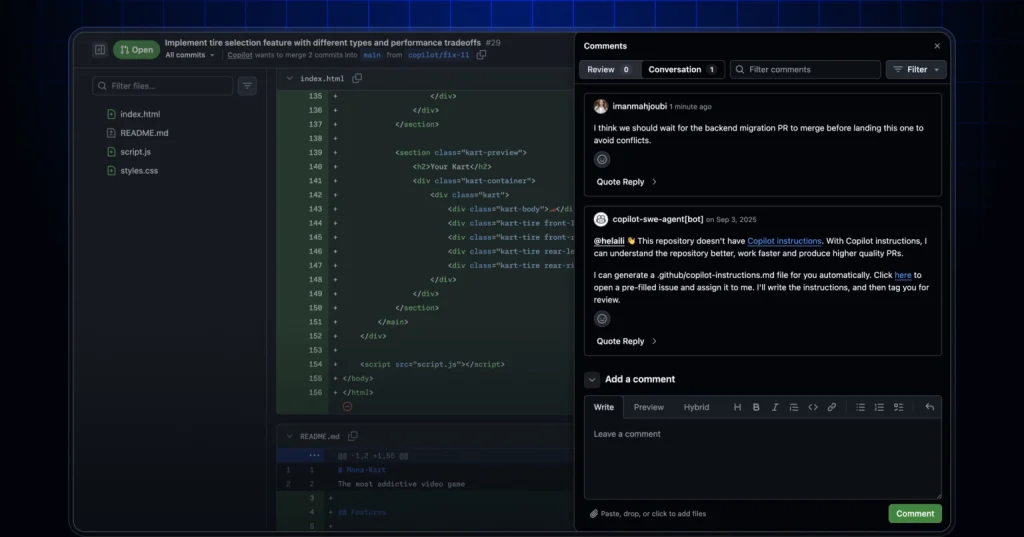
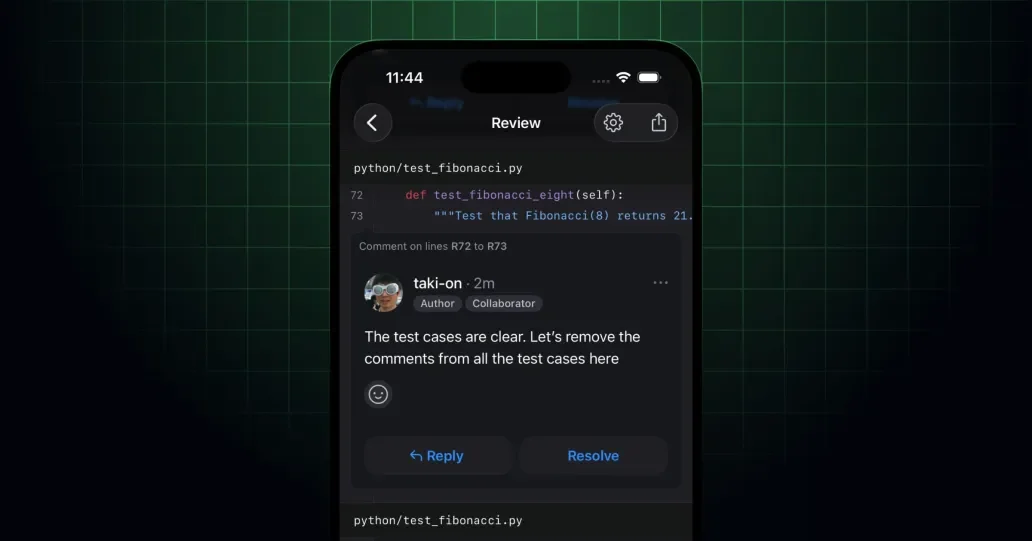
GitHub has rolled out docked panels for the pull request Files changed page, allowing developers to review code side-by-side with key context such as comments, overview, merge status, and security alerts. These panels help maintain workflow without needing to switch tabs or lose your current place in the diff. Features include viewing and adding comments, referencing pull request descriptions, checking merge readiness, and reviewing security alerts directly alongside the code.
Key Takeaways
- Introduces docked panels for the GitHub pull request Files changed page
- Provides side-by-side access to comments, overview, merge status, and security alerts
- Requires opting into the new experience if using the classic view
Why it matters
Docked panels improve developer productivity during code reviews by eliminating context switching between the diff view, PR description, comments, and security alerts.
Conversation0
What would you add from your experience?
Checking your session…
Every good conversation starts with one perspective.