
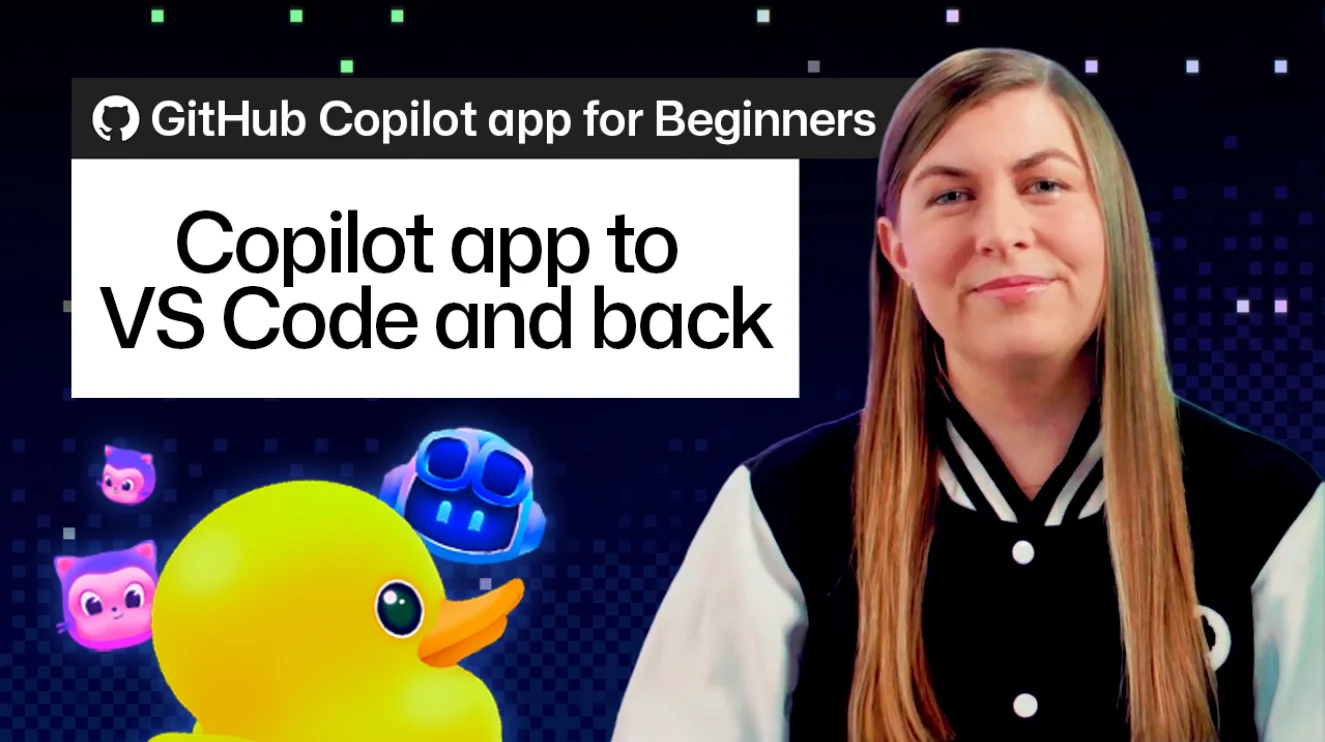
How to continue a GitHub Copilot app session in VS Code
25 similar posts
- GitHub Copilot
- Visual Studio Code
AI Summary
This guide explains how to transition a coding session from the standalone GitHub Copilot app into Visual Studio Code. It details how to maintain session context, review agent-generated diffs, perform manual edits, run local tests, and push updates directly to the associated pull request.
Key Takeaways
- The process preserves the session context, including the task, plan, and conversation history.
- VS Code opens the specific worktree used by the Copilot app, allowing for immediate local testing and manual refinement.
- Changes made in VS Code are pushed to the same branch, maintaining the existing pull request workflow.
Why it matters
It enables a seamless workflow where developers can leverage AI for repetitive tasks in a dedicated app, then switch to their primary IDE for granular control, testing, and final code verification without losing context.
Conversation0
What would you add from your experience?
Checking your session…
Every good conversation starts with one perspective.