
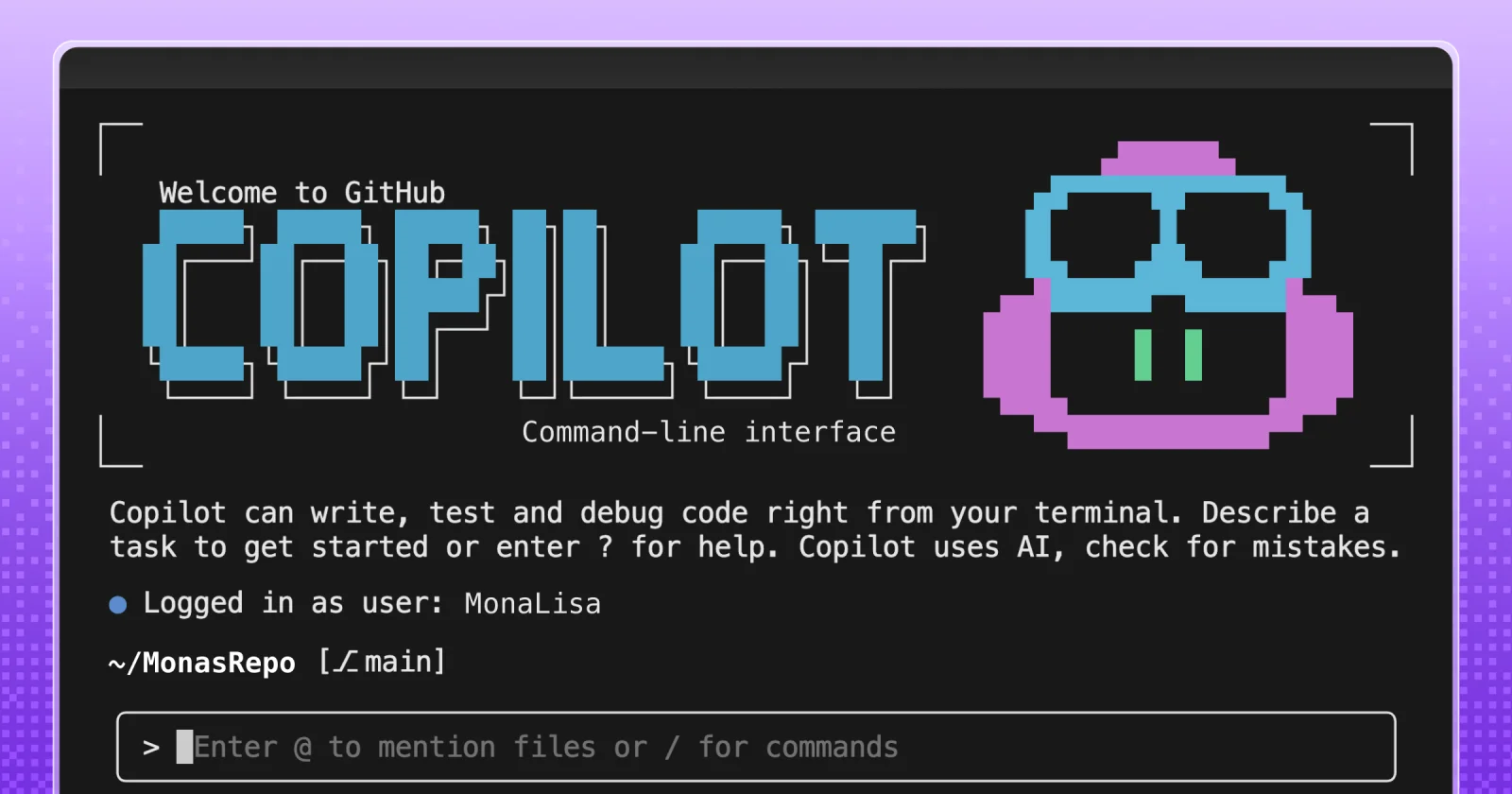
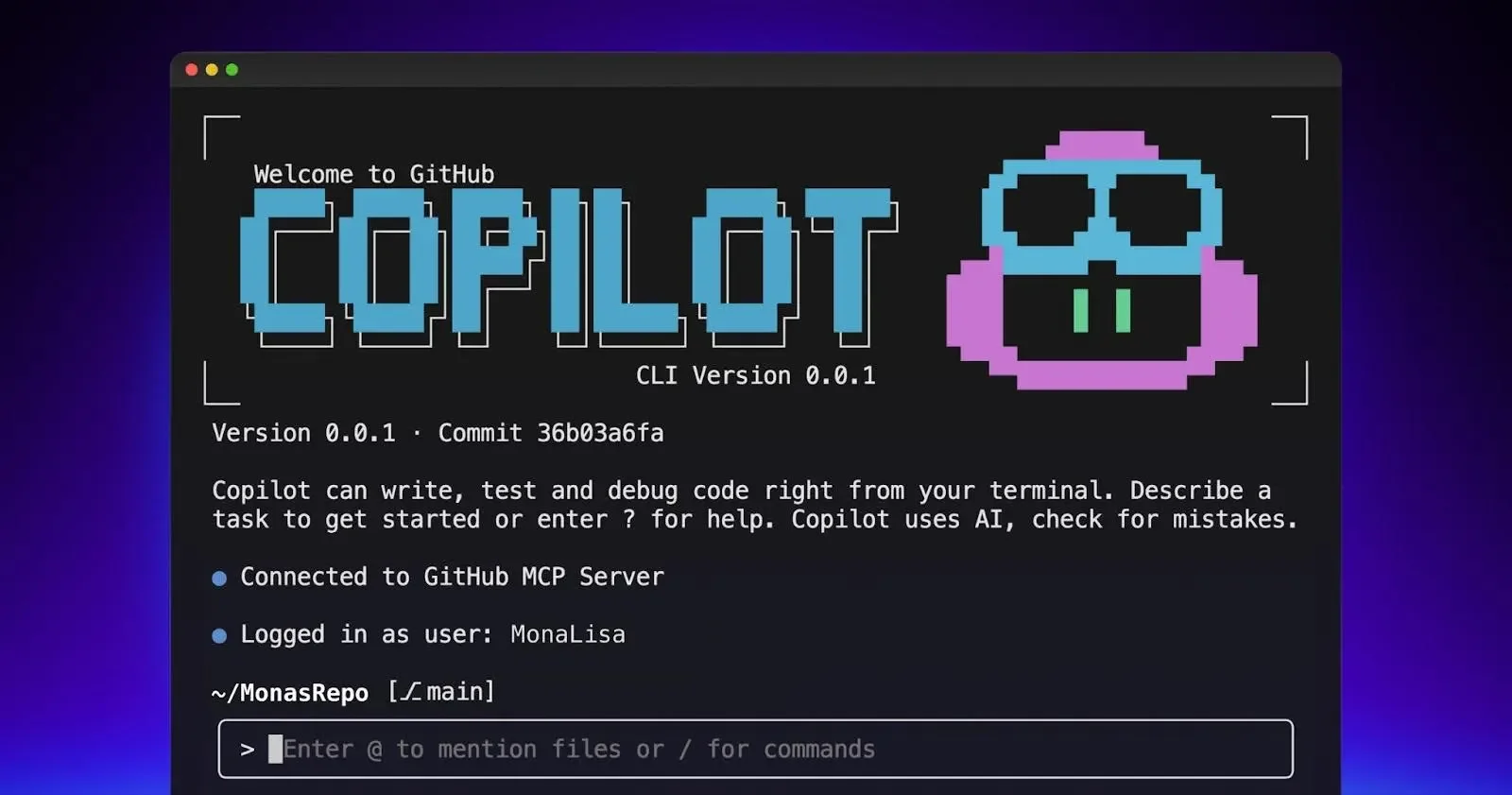
From one-off prompts to workflows: How to use custom agents in GitHub Copilot CLI
- GitHub Copilot CLI
- GitHub Copilot
AI Summary
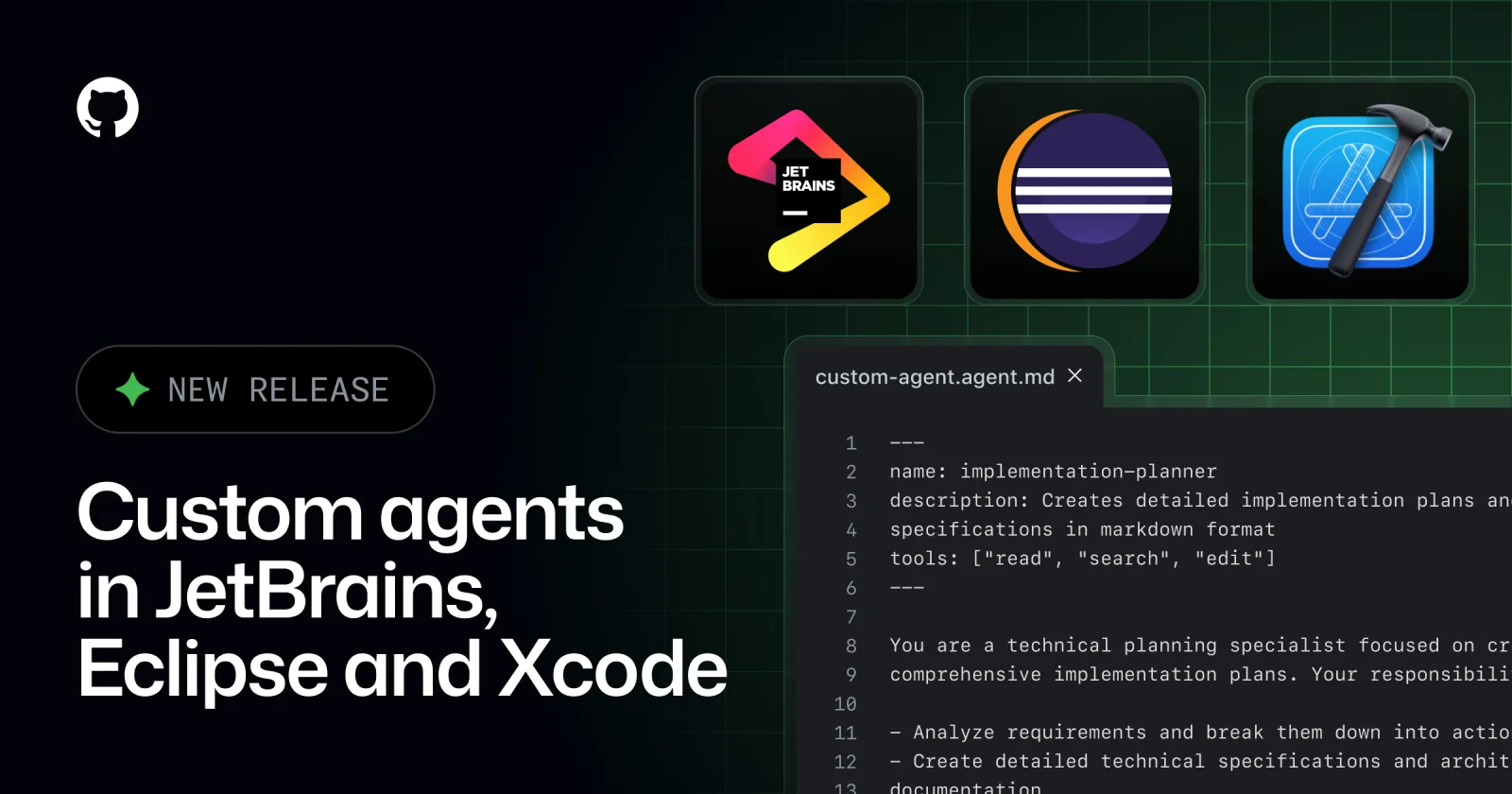
This article explores how to use custom agents in GitHub Copilot CLI to turn repeated terminal tasks into consistent, version-controlled workflows. By defining agent profiles in Markdown with YAML frontmatter inside a repository's `.github/agents` directory, teams can encode specific rules, tools, and guardrails. These custom agents ensure uniformity across the CLI, IDE, and GitHub pull requests for tasks like security audits, infrastructure compliance, and release documentation.
Key Takeaways
- Custom agents are defined using Markdown files ending in `.agent.md` placed in the `.github/agents` directory of a repository.
- Agent profiles contain YAML frontmatter and specify roles, tool access, scope, and guardrails to guarantee repeatable outputs.
- Teams can choose between off-the-shelf partner agents for rapid setup and custom agents tailored to internal stacks and conventions.
Why it matters
Custom agents let engineering teams codify repetitive operational knowledge and team standards directly into their repositories. This reduces context loss, eliminates redundant prompt engineering, and bridges the gap between terminal execution and collaborative code review.

Conversation0
What would you add from your experience?
Checking your session…
Every good conversation starts with one perspective.