
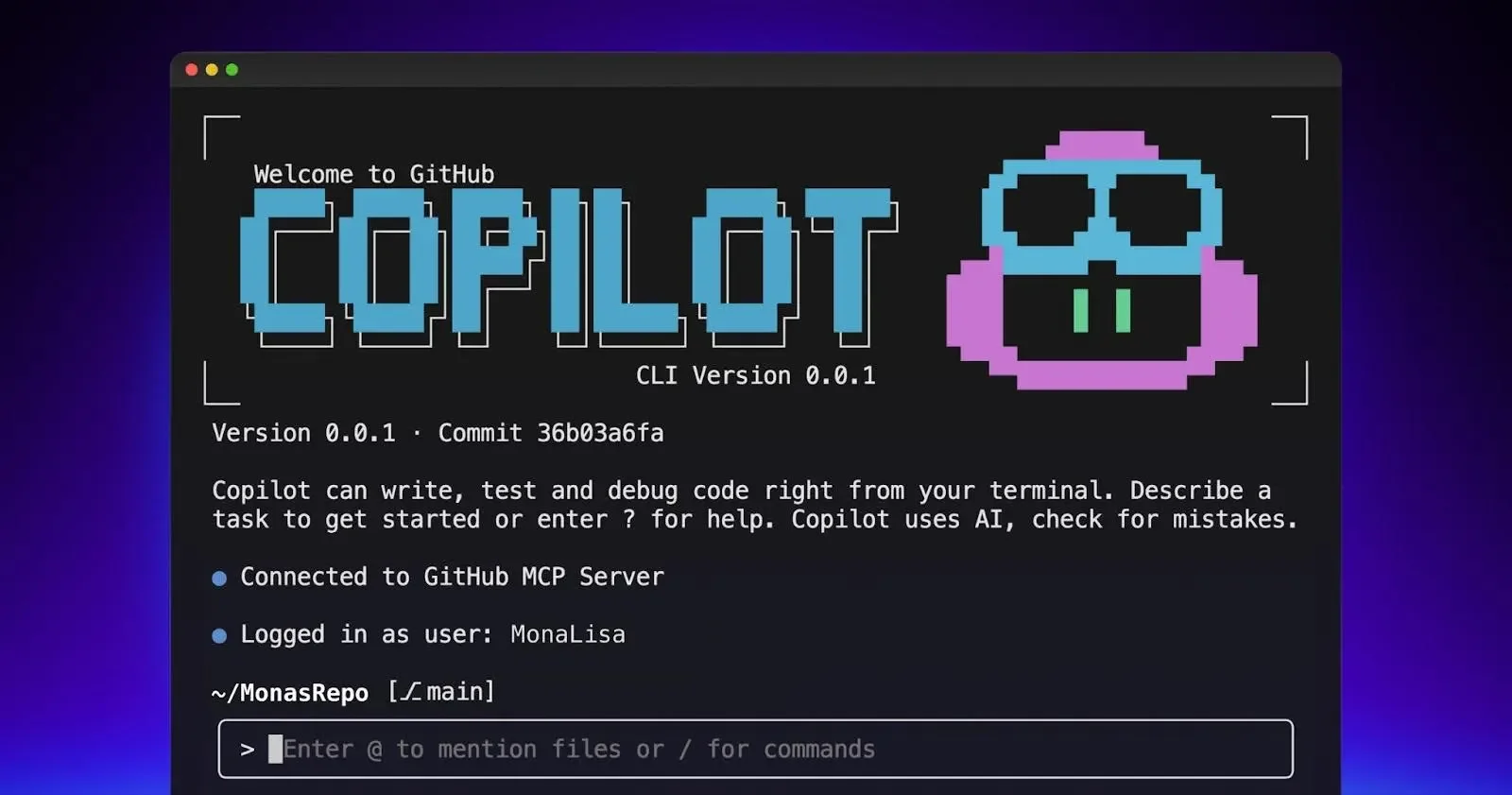
Power agentic workflows in your terminal with GitHub Copilot CLI
23 similar posts
- GitHub Copilot CLI
- GitHub Copilot
AI Summary
GitHub Copilot CLI brings agentic AI workflows directly into the terminal, helping developers handle tasks like cloning unfamiliar repositories, resolving port conflicts, analyzing bug screenshots, and running custom agents. It integrates with the broader GitHub ecosystem through the Model Context Protocol (MCP) and supports headless operation for automation and scripting.
Key Takeaways
- Copilot CLI prompts the user for authorization before executing any commands or tools.
- The tool integrates with custom agents and the GitHub MCP server to perform accessibility reviews and search issues.
- Headless operation allows scripting and automation, supported by flags like --allow-all-tools and directory restrictions.
Why it matters
The terminal is where developers execute fine-grained control over infrastructure, servers, and scripts. Bringing an agentic assistant into the CLI reduces friction, eliminates the need to manually look up obscure commands or documentation, and integrates AI safely into developer workflows.
Conversation0
What would you add from your experience?
Checking your session…
Every good conversation starts with one perspective.