
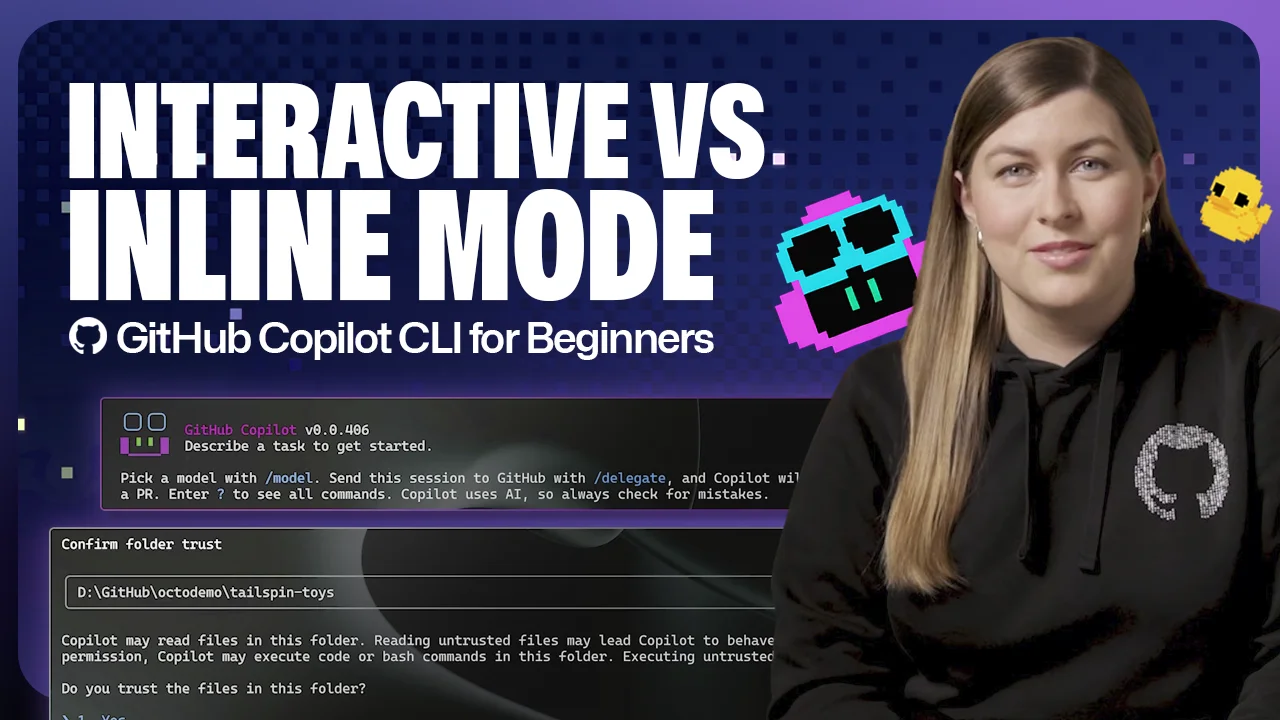
GitHub Copilot CLI for Beginners: Interactive vs. Non-Interactive Mode
15 similar posts
- GitHub Copilot CLI
AI Summary
An introduction to the GitHub Copilot CLI, exploring its interactive and non-interactive modes for terminal workflows.
Key Takeaways
- Interactive mode provides a back-and-forth chat experience for iterative tasks.
- Non-interactive mode supports fast, single-prompt operations using the -p flag.
- Previous sessions can be resumed using /resume or copilot --resume.
Why it matters
Understanding the execution modes of developer tools helps engineers choose the right approach for interactive exploration versus rapid scripting.

Conversation0
What would you add from your experience?
Checking your session…
Every good conversation starts with one perspective.