

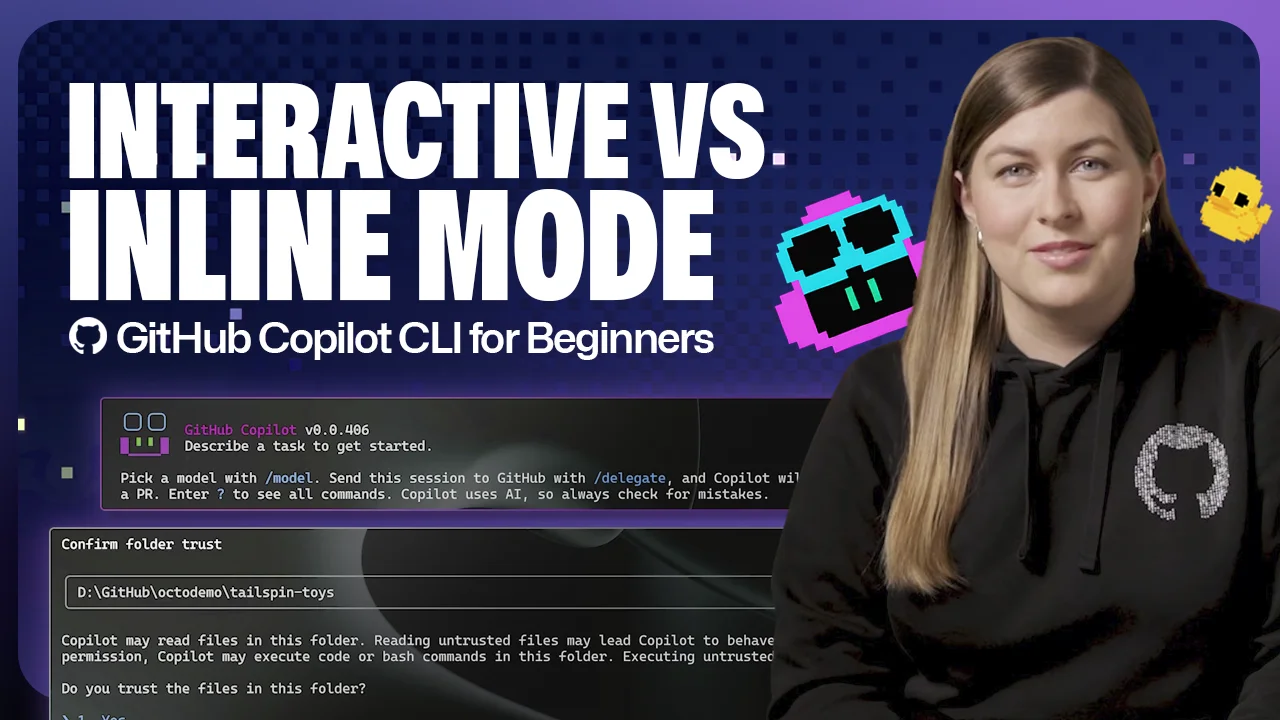
GitHub Copilot CLI for Beginners: Overview of common slash commands
16 similar posts
- GitHub Copilot CLI
AI Summary
An introduction to using common slash commands in GitHub Copilot CLI to manage sessions, switch models, track token usage, and inspect changes directly from the terminal.
Key Takeaways
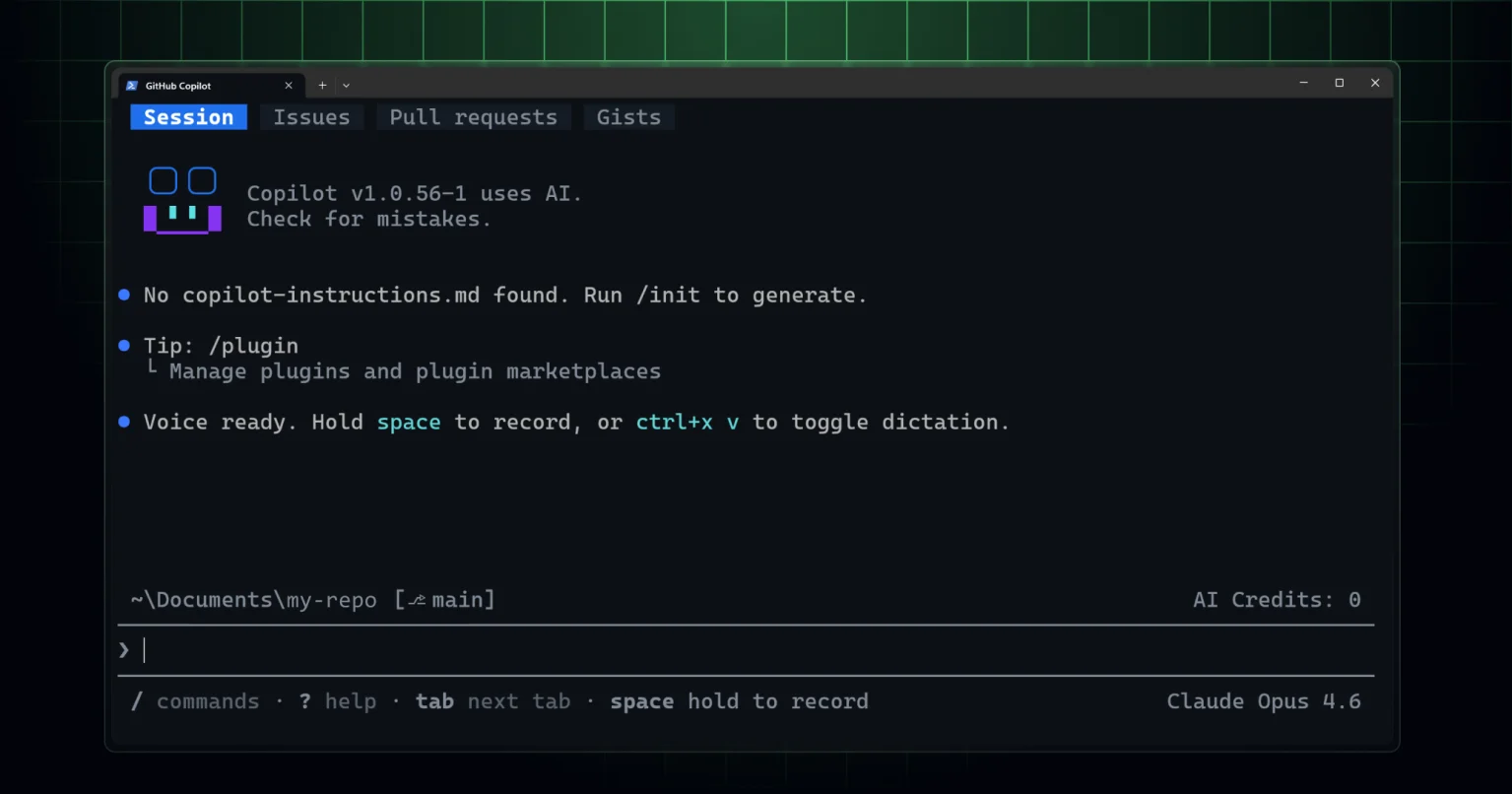
- Type / in the command line to view a scrollable list of supported slash commands.
- Use /model to switch between different models based on capabilities, availability, and cost multipliers.
- Use /context and /compact to inspect and manage token usage and conversation history.
Why it matters
Understanding command-line control surfaces enables developers to efficiently guide AI tools, manage context windows, and maintain precise control over token consumption and permissions.


Conversation0
What would you add from your experience?
Checking your session…
Every good conversation starts with one perspective.